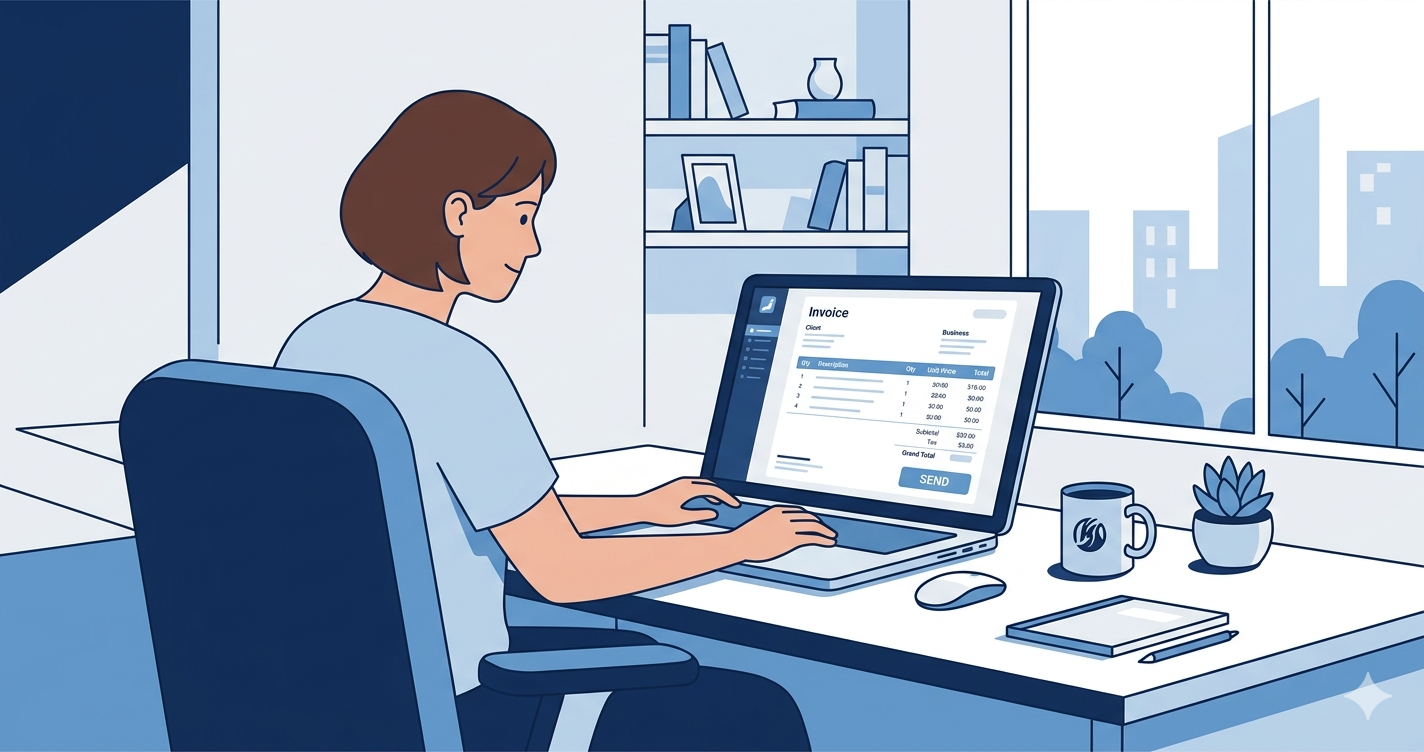
If you've ever spent an hour formatting an invoice in Word or chasing a client who "never received" your PDF — you already know the problem.
Freelancers are not accountants. But every freelancer needs to invoice professionally, consistently, and fast.
This guide covers what to look for in a free invoice generator for freelancers, what most tools get wrong, and how to get paid faster without spending money on software.
Why Most Freelancers Invoice Wrong
The most common invoicing mistakes freelancers make:
No invoice number. Clients and accountants need sequential numbers. Without them, tracking payments becomes a nightmare.
Wrong payment terms. "Please pay when you can" is not a payment term. Net 7, Net 14, Net 30 — pick one and put it on every invoice.
Missing business details. Your name, address, and tax number (if applicable) must appear on every invoice. In many countries, invoices without this information are not legally valid.
No late payment clause. If you don't specify what happens when a client is late, nothing happens. A simple line — "Invoices unpaid after 30 days incur a 1.5% monthly fee" — changes behavior.
What to Look for in a Free Invoice Generator
Not all free tools are equal. Here's what actually matters:
PDF export. Your client needs a proper document, not a screenshot. Any serious invoice tool must generate a clean PDF.
Multi-currency support. If you work with international clients — and most freelancers do — you need to invoice in their currency without doing the math yourself.
Automatic numbering. Sequential invoice numbers should be generated automatically. Manual numbering leads to errors and gaps that complicate your accounting.
No expiring free plan. Many tools offer a "free trial" that expires after 14 or 30 days. Look for tools with a genuine free tier — not a countdown.
Client records. A good invoice tool remembers your clients. You shouldn't retype the same address every time.
What Most Free Invoice Tools Get Wrong
Most free invoice generators do one thing: generate invoices.
That sounds obvious — but it creates a problem. Your invoice is connected to a project. The project is connected to a client. The time you tracked this week should automatically feed into your invoice total.
When these pieces live in separate tools, you spend time copying numbers between spreadsheets instead of working.
The real cost of "free" tools is the hours you spend connecting them.
How EZ@Work Handles Invoicing
EZ@Work was built for exactly this problem. Instead of five separate tools, everything connects:
- Create an invoice in under 60 seconds. Select a client, add your line items, set the currency, and export to PDF. The invoice number is automatic.
- Multi-currency with exchange rates. Invoice in USD, EUR, GBP, or any major currency. Your home currency totals update automatically.
- Time tracking feeds directly into invoices. Log hours on a project throughout the month. When it's time to invoice, your billable hours are already there.
- 24 languages. If your client is in the Philippines, Spain, Germany, or Japan — EZ@Work works in their language.
- Automatic payment reminders. Set reminders at 7, 14, and 30 days. Clients get a professional email. You don't have to chase anyone.
- The free plan is actually free. No credit card. No trial that expires. Up to 3 clients and 10 invoices per month — enough to get started.
No credit card. No trial that expires. Create your free account →
Getting Paid Faster — 3 Simple Rules
Regardless of which tool you use, these three habits will reduce late payments:
- Invoice immediately. Send the invoice the same day you complete the work. Delays in invoicing signal to clients that payment is not urgent.
- Use specific due dates. "Due in 14 days" is better than "Net 14" for clients who are not finance professionals. Even better: write the actual date.
- Follow up once, firmly. One professional reminder — "I notice invoice #47 is now 7 days past due. Please confirm payment date." — is enough. If there is no response, escalate.
The Bottom Line
A free invoice generator should save you time, not create more work. Look for a tool that connects invoicing to the rest of your business — clients, projects, time tracking, and financial reports.
EZ@Work does all of this for free.
Try EZ@Work free — no card required
Invoicing, time tracking, client management, and financial reports — all in one place, all free to start.
Free forever plan · No card required · 24 languages including RTL